




How to Program a Garage Door Remote 2026 Mazda CX-5 | Caruso Mazda of Long Beach
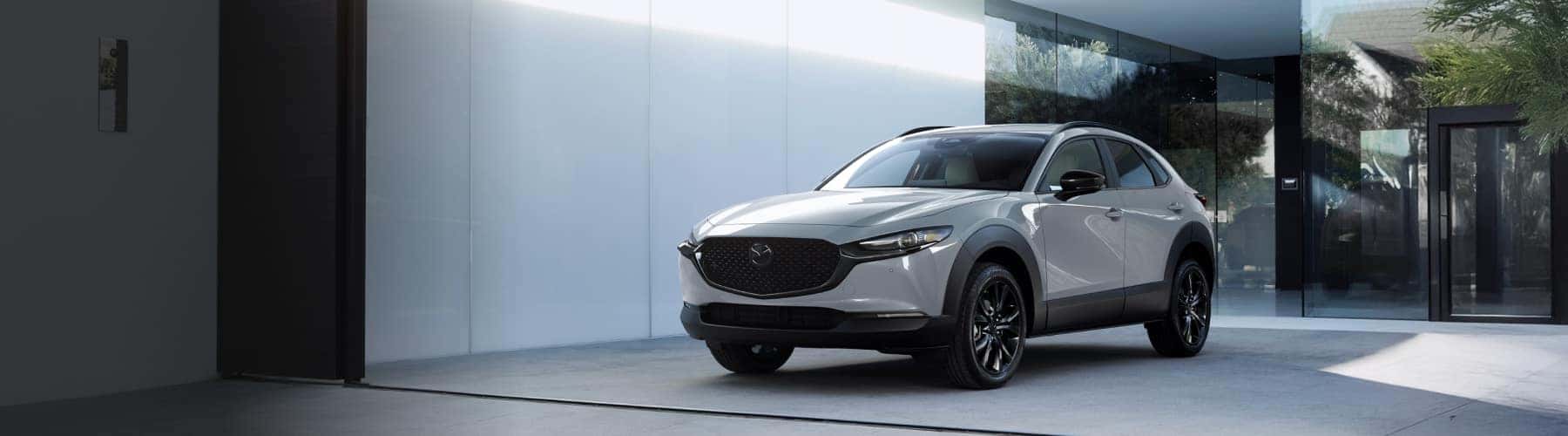
How to Program HomeLink® in a 2026 Mazda CX-5
One of the convenient features available in the 2026 Mazda CX-5 is the HomeLink® wireless control system, which allows you to open and close your garage door directly from your vehicle. Instead of carrying a separate garage door remote, you can program your CX-5 to connect with most garage door openers and gate systems.
At Caruso Mazda in Long Beach, customers often ask how to set up HomeLink® after purchasing their new Mazda. Follow these simple steps to get started.
Before You Begin
Before programming your garage door opener, make sure you have:
- Your original garage door remote
- Your vehicle parked near the garage
- The ignition turned on or in accessory mode
If your vehicle has previously programmed HomeLink® settings, you may want to clear them before starting.
Step 1: Clear Existing HomeLink® Codes
- Press and hold the two outer HomeLink® buttons located on the rearview mirror.
- Continue holding both buttons for approximately 20 seconds until the indicator light begins flashing rapidly.
- Release both buttons. The system is now ready to be programmed.
Step 2: Program Your Garage Door Remote
- Hold your original garage door remote approximately 1 to 3 inches away from the HomeLink® buttons.
- Press and hold your desired HomeLink® button while simultaneously pressing and holding the button on your garage door remote.
- Continue holding both buttons until the indicator light changes from a slow flash to a rapid flash. This typically takes 10 to 30 seconds.
- Once the light flashes rapidly, release both buttons.
Step 3: Program Rolling Code Garage Door Openers
Many newer garage door systems use rolling code technology for added security.
If your garage door does not respond after Step 2:
- Locate the “Learn” or “Smart” button on your garage door motor.
- Press the Learn button.
- Return to your Mazda within 30 seconds.
- Press and hold the programmed HomeLink® button for two seconds, then release.
- Repeat this process up to three times if necessary until the garage door operates correctly.
Troubleshooting HomeLink® Programming
If your garage door opener is not responding:
- Verify the original remote has a working battery.
- Make sure you are parked within range of the garage.
- Repeat the programming process from the beginning.
- Consult your garage door opener owner’s manual for specific instructions.
If you’re still experiencing issues, our Mazda service team is happy to assist.
Why Drivers Love the 2026 Mazda CX-5
The 2026 Mazda CX-5 continues to be one of the most popular SUVs in the Mazda lineup thanks to its premium interior, standard i-Activ AWD®, advanced safety technologies, and engaging driving dynamics.
Additional highlights include:
- Standard i-Activ AWD®
- Mazda Radar Cruise Control
- Apple CarPlay® and Android Auto™ integration
- Available Bose® premium audio system
- Advanced driver-assistance technologies
- Comfortable seating for five passengers
- Available turbocharged performance
Whether you’re commuting through Long Beach, navigating Los Angeles traffic, or heading out for a weekend getaway, the CX-5 delivers the comfort, convenience, and confidence drivers expect from Mazda.
Visit Caruso Mazda for Expert Assistance
Customers frequently drive from Irvine, Costa Mesa, Garden Grove, Anaheim, Lakewood, and surrounding Southern California communities to enjoy a better customer experience at Caruso Mazda.
If you need help programming your HomeLink® system, scheduling service, or exploring the latest Mazda CX-5 models, our knowledgeable team is here to help. Visit our dealership in Long Beach or browse our inventory online today.
Frequently Asked Questions About Mazda HomeLink®
How many garage doors can I program in my Mazda CX-5?
Most HomeLink® systems allow you to program up to three devices, including garage doors, security gates, and compatible home automation systems.
Why is my HomeLink® light flashing but the garage door won’t open?
Your garage door opener may use rolling code technology and require the additional Learn button programming process outlined above.
Do I need my original garage door remote to program HomeLink®?
Yes. In most cases, you’ll need the original remote control to complete the HomeLink® setup process.
Can Caruso Mazda help program my garage door opener?
Absolutely. Our team can answer questions and assist with HomeLink® programming during your visit.
Need Help With Your Mazda CX-5?
Whether you’re setting up HomeLink®, scheduling maintenance, or shopping for a new Mazda CX-5, Caruso Mazda is here to help Long Beach-area drivers get the most from their vehicle.
