




How to Program a Garage Remote for the 2026 Mazda3 Sedan
Programming your garage door remote in the 2026 Mazda3 Sedan is one of the easiest ways to make your daily commute in Long Beach more convenient.
If you’re used to using a traditional key fob or handheld remote, the built-in HomeLink® system offers a cleaner, more modern solution. Instead of keeping a bulky remote clipped to your visor, you can open and close your garage with the buttons built directly into your rearview mirror. 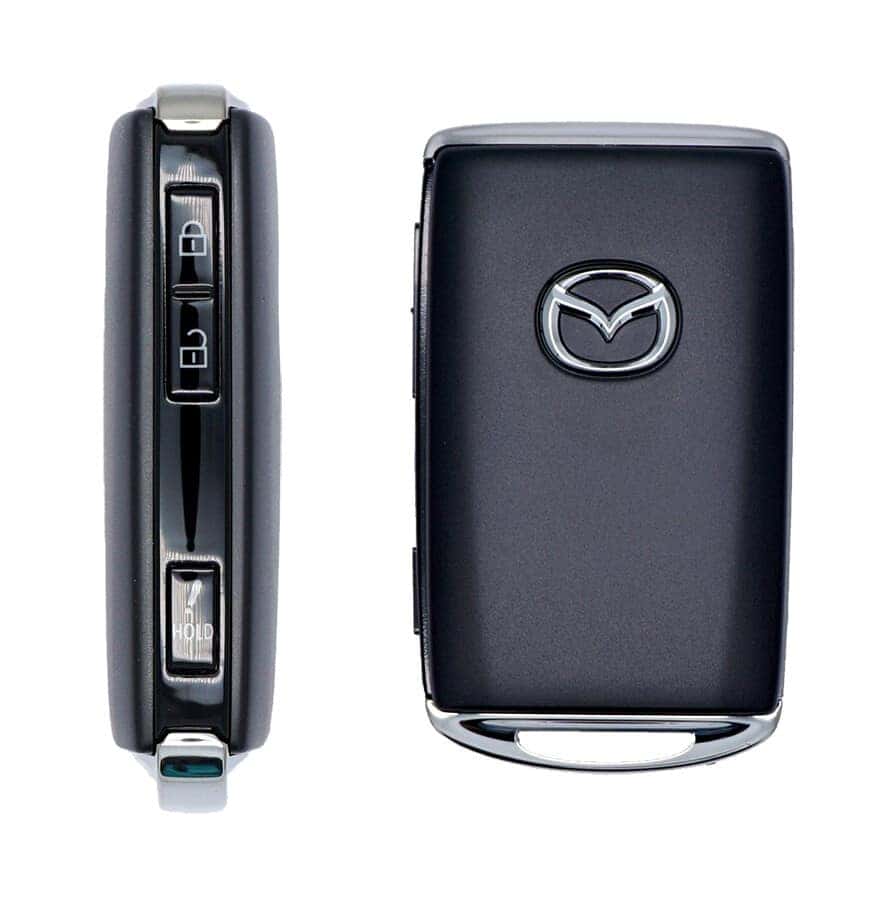
Mazda’s system is intuitive, quick to set up, and ideal for drivers who want a streamlined, clutter-free cabin.
Locate the HomeLink Buttons
Look at the underside of the rearview mirror in your 2026 Mazda3 Sedan. You’ll find three programmable buttons that can be paired to garage doors, gates, or compatible smart home systems.
Clear Previous Settings
If the vehicle is new to you or previously had another garage programmed:
– Press and hold the two outer HomeLink buttons
– Hold for about 10 seconds
– Release when the indicator light flashes rapidly
This resets any stored codes.
Pair Your Garage Remote
Hold your original garage remote about 1–3 inches away from the mirror.
– Press your desired HomeLink button
– At the same time, press the remote button
– Wait until the indicator light changes from slow to rapid blinking
Sync With Rolling Code Systems
Most newer garage door systems require one extra step:
– Press the “Learn” button on your garage motor
– Return to your Mazda within 30 seconds
– Press the programmed HomeLink button twice
Your system should now be fully connected.
Why Long Beach Drivers Love This Feature
For drivers navigating Belmont Shore, Signal Hill, or downtown Long Beach parking, HomeLink adds everyday convenience and eliminates the need for a separate key fob or clip-on remote.
It’s a small upgrade that makes the Mazda3 Sedan feel even more refined.
Explore the latest Mazda technology at Caruso Mazda of Long Beach in Long Beach and experience the 2026 Mazda3 Sedan in person.
